
The signals that rank a dental website are public, and Google has written most of them down. Helpful content, page experience and Core Web Vitals sit in Search Central next to mobile-first indexing, HTTPS, structured data and links. The Search Quality Rater Guidelines set out how human raters judge trust on health pages, and the Business Profile help center covers local factors and reviews.
What a practice needs from that list is an order of work. Google will rank the most relevant page even when its page experience is poor. A fast site with thin implant and emergency pages still loses to a slow one that answers the patient’s question, so rewrite the pages before anyone touches the technical work.
Request Dental SEO Quote
Google’s Published Ranking Signals, Applied to a Dental Site
- Start with the treatment pages, because speed and markup can’t save a page that ignores what the patient asked.
- Google files dental pages under YMYL health content, so each one should name its writer and the dentist who reviewed it.
- The mobile version of your site is the one Google indexes, and text that loads only after a tap may never be seen.
- Treatment and booking pages should hit an LCP under 2.5 seconds, an INP under 200 milliseconds and a CLS under 0.1.
- Link treatments, dentists and locations to each other with real a-href links and anchor text that says where each link goes.
- A batch of city pages that differ only in the town name fits Google’s own example of doorway abuse.
The Order We Work Through Ranking Factors on a Dental Site
We fix Google’s documented factors on practice websites in this order, and the order follows Google’s own statements about what outweighs what. A relevant page beats a fast one, and structured data makes a page eligible for search features while promising nothing about ranking.
| Order | Factor | Where Google documents it | First check on a dental site |
|---|---|---|---|
| 1 | Helpful, people-first content | Search Central, helpful content guide | Does each treatment page answer what patients ask on the phone? |
| 2 | E-E-A-T on YMYL health pages | Search Quality Rater Guidelines | Does each page name its author and reviewing dentist? |
| 3 | Local signals and reviews | Business Profile help on local ranking | Does the profile link to a matching location page? |
| 4 | Mobile-first indexing | Search Central, mobile-first indexing guide | Is the mobile page’s text the same as the desktop page’s? |
| 5 | Internal links | Search Central, link best practices | Can every treatment page be reached through a normal link? |
| 6 | Page experience and Core Web Vitals | Search Central, page experience and Core Web Vitals | Do mobile treatment pages pass LCP, INP and CLS? |
| 7 | HTTPS | Search Central blog and page experience guide | Does every http URL redirect to its https version? |
| 8 | Structured data | Search Central, structured data guides | Does Dentist markup match the visible address and hours? |
1. Treatment Pages Written for Patients First
Google’s self-assessment for content asks whether a page offers “original information, reporting, research, or analysis,” and whether you would bookmark it or recommend it to a friend. On a dental site, ask whether a patient would forward your implant page to a spouse before the consultation.
Plenty of implant pages fail in the same way, explaining what an implant is and finishing with a phone number. Meanwhile the patient wants to know whether bone loss rules them out and how many months the whole process takes. You already answer those questions in the chair, and a competitor has no way to copy your answers.
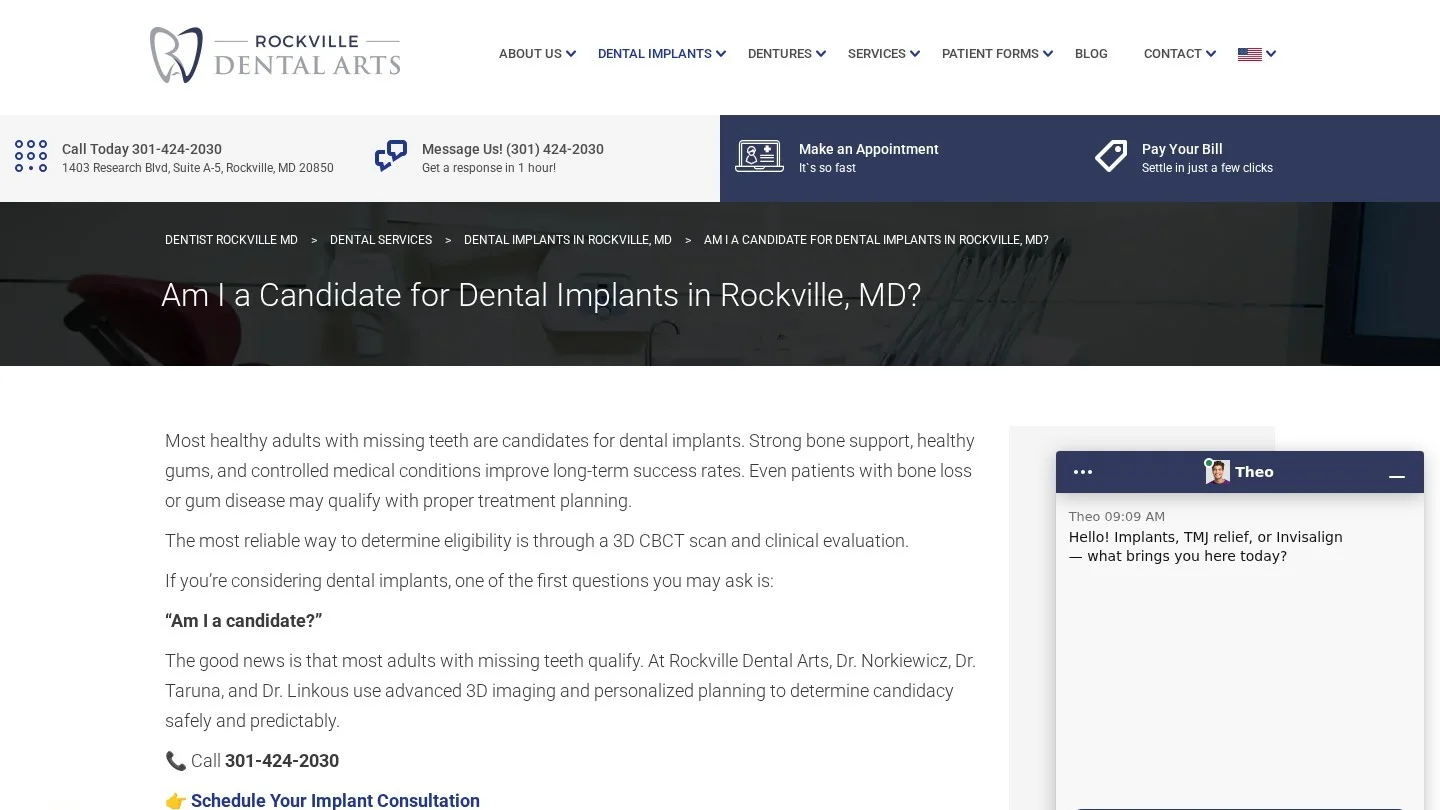
Rockville Dental Arts in Maryland built its implant candidacy page around those questions. Its answers take bone loss, gum disease, smoking and controlled diabetes one at a time, and one heading asks whether a patient is too old.
An Outline for a Dental Implant Page
Turn the patient’s questions into the page’s subheadings, roughly in the order they come up during a consultation. We start implant pages from this outline, and for clear aligners or root canal treatment you can keep the structure and swap in the questions patients ask about those.
| Page section | Patient question it answers | Who supplies the facts |
|---|---|---|
| Candidacy | Can I get an implant if I have bone loss or diabetes? | Treating dentist |
| Steps and timeline | How many visits, and how many months from start to finish? | Treating dentist |
| Grafting | Will I need a bone graft first? | Surgeon or treating dentist |
| Fees | How do you quote the cost, and what does insurance usually cover? | Office manager |
| Alternatives | What about a bridge or a denture instead? | Treating dentist |
| Recovery | How much time off work should I plan for? | Treating dentist |
| The team | Who places the implant here, and who restores it? | Practice owner |
| First visit | What happens at the consultation? | Front desk |
Be careful with the fees section, because Section 5.F of the ADA Code treats claims that create unjustified expectations as misleading. A headline price that rarely matches the final quote has no place on an implant page. Explain what drives the quote, such as the number of implants and whether grafting is needed. Patients get something useful, and no figure on the page changes after the exam.
Bupa Dental Care Guildford publishes a treatment and prices page with NHS and private fees in side-by-side columns. Private fees for the larger treatments start with the word “From,” so a patient knows the final quote depends on the case.
Who, How and Why on Every Treatment Page
Google’s helpful content guide puts three questions to every page. Who wrote it, and can visitors see that? How was it made, including any use of AI? Why does it exist, to help people or to pull in search visits? Of the three, Google calls Why perhaps the most important.
A dental site answers Who with a byline and a reviewer line. Watch out when an agency writer drafts pages under the dentist’s name. Section 5.F.1 of the ADA Code requires articles published under a dentist’s byline to disclose their true source and authorship. “Written by Maria Lopez, reviewed by Dr. Ana Ruiz, DDS” meets that standard, provided Dr. Ruiz has actually read and corrected the page.
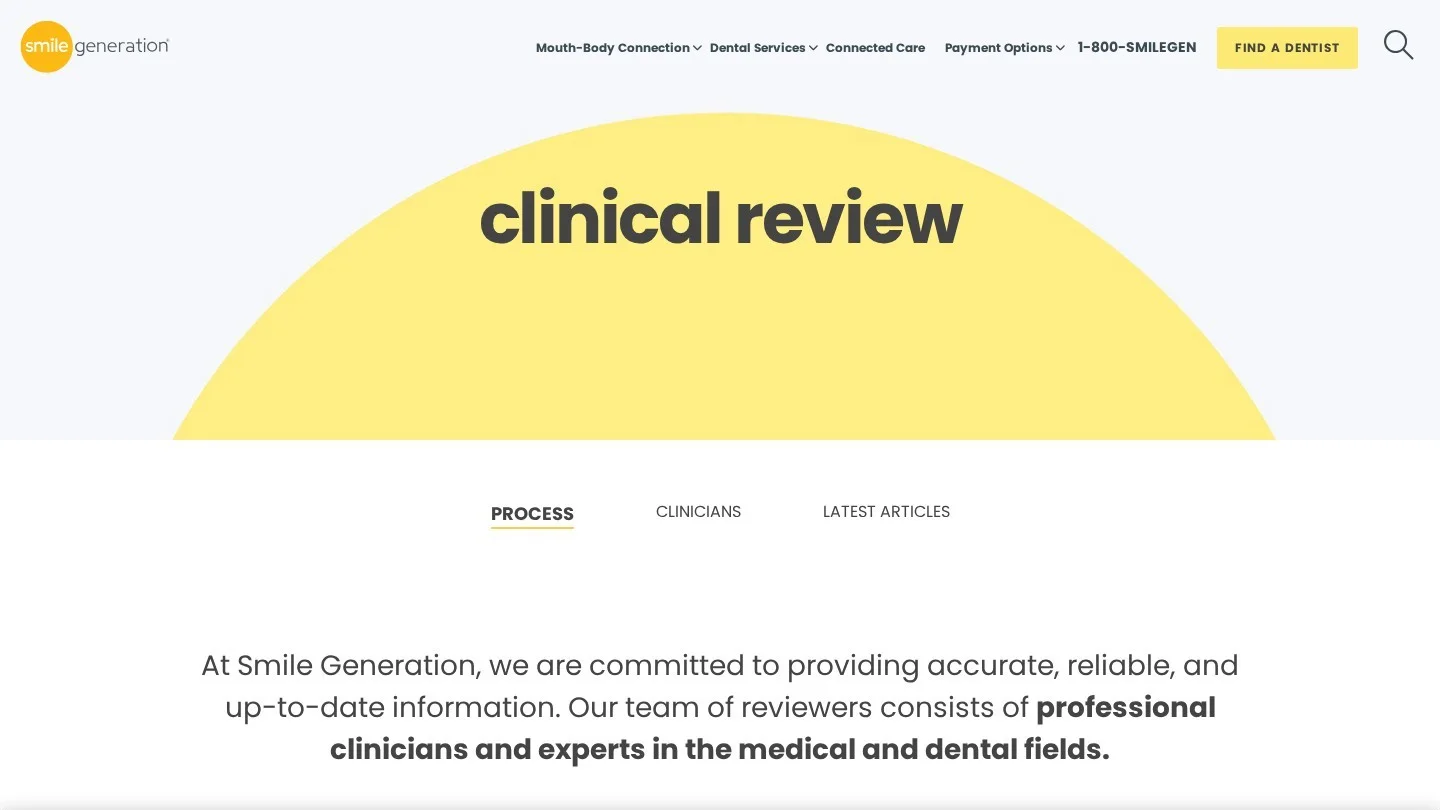
Smile Generation, a network of dental offices, names 17 clinical reviewers and their degrees on its clinical review page. It also explains that dentists and specialists check each draft for accuracy before editors do a final pass.
You can draft with AI, since Google’s spam policies forbid automation used mainly to manipulate rankings and the line is drawn around purpose. Where a reader would reasonably wonder how a page was made, say so on the page. Our guide to growing a dental practice with ChatGPT covers drafting workflows that keep the dentist in charge of the clinical facts.
List your ten highest-value treatments, and for each one pull the questions the front desk hears, from call notes or from what the team remembers of recent calls. Rebuild each page around those questions and add a dated reviewer line.
2. YMYL Pages and the Trust Test Raters Apply
Health topics fall under “Your Money or Your Life” in the September 11, 2025 version of the Search Quality Rater Guidelines. YMYL covers topics where poor information could hurt someone’s health or finances. “When to go to the emergency room” is one of the guidelines’ own YMYL examples, and your emergency dentistry page answers a very similar question.
Trust is “the most important member” of E-E-A-T in the guidelines. For pages that need high trust, information about who created the content and who is responsible for it is “critical.” Some YMYL advice has to come from experts, and raters are also sent to research the site’s outside reputation, reviews included.
Google has no specific E-E-A-T ranking factor. Its systems use a mix of signals that line up with E-E-A-T, and on YMYL topics they give even more weight to content that shows it strongly.

Raters look at pages most practices already have, and the real work is in filling them in properly.
- Dentist bio pages. List dental school, graduation year, license state and continuing education. Name a specialty only if it is a recognized dental specialty and the dentist meets its education standard, as Section 5.H of the ADA Code requires.
- About page. Say who owns the practice, the owner dentist or the group. If a dental support organization owns it, the page should say so.
- Contact details. The footer of every page carries the full address and a phone number.
- Emergency page. Tell patients which symptoms, such as facial swelling with fever or trouble breathing, mean the emergency room comes first. A dentist signs off on the wording.
- Review date. Each clinical page shows when a dentist last reviewed it, and that date has to be accurate.
St Mary’s Dental Practice, part of Rodericks Dental Partners in England, gives each clinician’s GDC registration number on its team page. Most dentist entries also list the degree, the university and the year they qualified.
The UK group mydentist draws the emergency line on its emergency dental care page. It tells patients to call 999 for bleeding they cannot stop or for a swelling that affects breathing, swallowing or the eye.
Our dental website E-E-A-T guide includes a page-by-page scorecard for these checks.
3. Local Signals and Reviews That Sit Outside the Website
A “dentist near me” search brings up map results ranked on relevance, distance and prominence. The website plays into prominence, since Google counts the sites linking to the business along with the practice’s review count and ratings.
In local results the site backs up the profile, so point the Business Profile’s website link at a page for that office carrying the same name, address and phone. Every category and service on the profile should match a treatment the site has a page for. Our step-by-step guide to ranking a dental clinic in Google’s local 3-pack walks through every profile field.
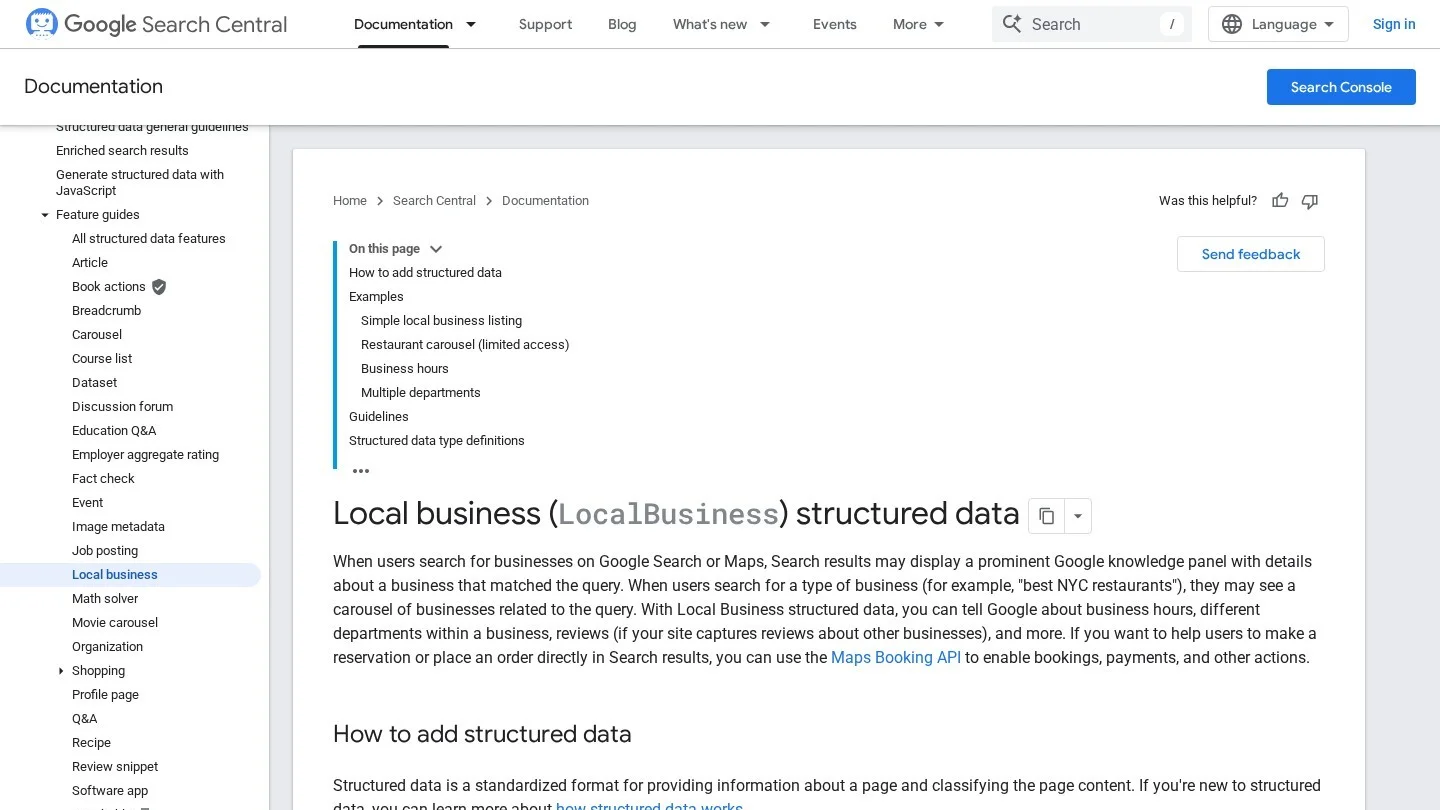
Collect reviews on Google, where they count toward local ranking. Showing a few on your own site is fine for patients. Putting aggregateRating markup on your own reviews won’t earn stars in results, because Google’s local business documentation recommends review markup only for sites that capture reviews of other businesses. Our dental Google review statistics show how patients read them.
4. Mobile Pages Google Indexes First
Google uses the mobile version of a site, crawled with its smartphone agent, for indexing and ranking. If the mobile implant page is shorter than the desktop one, the shorter page is the one Google ranks.
Mobile and desktop need the same content and the same structured data, while titles and meta descriptions should be equivalent on both, and images need the same alt text. Google won’t load content that appears only after a user clicks, swipes or types.
Dental sites break that last rule often, with a “Read more” button that fetches the rest of the page by script or a smile gallery that loads new cases only when the patient swipes. Put the text in the page’s HTML from the start, and use an accordion if you need to save space.
Put a phone next to a desktop computer, open your top five treatment pages on both, and read the headings and FAQ answers against each other word for word. Then run one URL through the URL Inspection tool in Search Console and search the crawled HTML for a sentence from the hidden section.
5. Internal Links Between Treatments, Dentists and Locations
Google crawls a link only when it is an a element with an href attribute. A “Book now” button that runs a script on click works for patients and gives Google nothing to follow, so every page you care about needs at least one real link from another page on the site.
Keep anchor text descriptive and reasonably short, since “Click here” and “Read more” are Google’s own examples of poor anchor text. On a dental site, “dental implants in Austin” or “Dr. Ruiz’s training in implant surgery” tells Google and the patient where the link goes.
Map the links the way patients move around the site.
- The homepage links to each treatment hub and each office page.
- Each treatment page links to the dentist who performs it and to the offices that offer it.
- Cost and financing pages link back to the treatments they cover.
- A dentist’s bio links to the treatments that dentist provides.
- Office pages link to the dentists who work there and the treatments offered at that address.
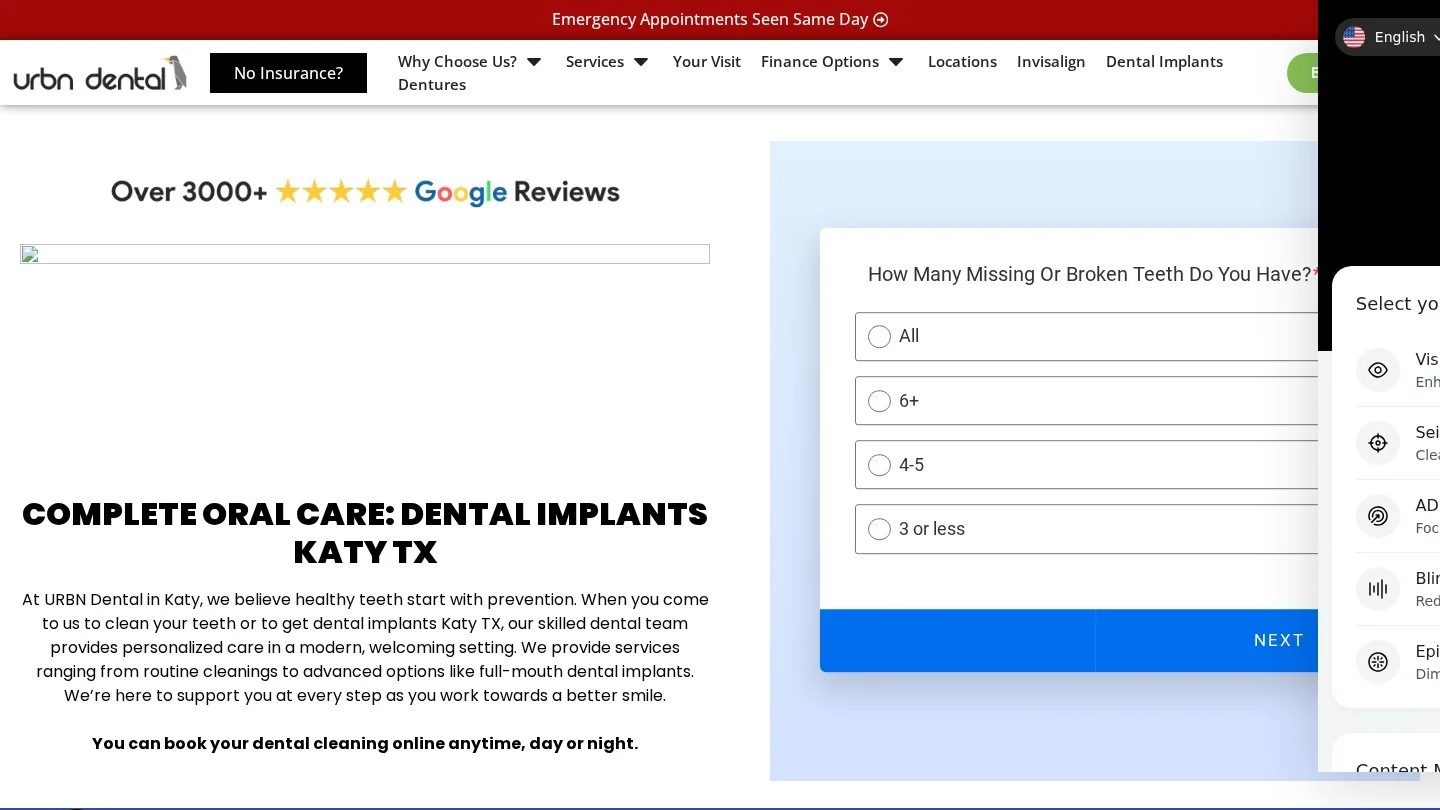
URBN Dental’s dental implants page for its Katy, Texas office follows this map. The body links to the implant financing page, the Katy office page and the profile of Dr. Jiman Nelson, one of the periodontists named on the page.
Google sets no ideal link count per page, and its rule of thumb is that a page that seems to have too many links probably does. Hunt for orphans as well, such as old ad landing pages and blog posts that no menu reaches. Search Console’s Links report shows which pages get the most internal links, and any page missing from it or near the bottom needs a link from a related page.
6. Page Experience and Core Web Vitals on Booking Pages
Google counts an experience as good at an LCP within 2.5 seconds, an INP under 200 milliseconds and a CLS under 0.1. LCP times how long the main content takes to appear. INP tracks how fast the page reacts when a patient taps, and CLS scores how much the layout jumps around while it loads.
Google’s core ranking systems look at Core Web Vitals for page experience. There is no single page experience signal, and good scores won’t lift a page above more relevant results. Google’s page experience questions also ask about secure serving, mobile display, intrusive interstitials and whether visitors can pick out the main content from everything around it.
| Metric | Google’s threshold | Common dental-site cause | Fix |
|---|---|---|---|
| LCP | Within 2.5 seconds | Homepage hero video or image slider | Use one compressed hero image and load the video on tap |
| INP | Under 200 milliseconds | Chat widgets and tracking scripts competing on load | Delay scripts the first screen does not need |
| CLS | Under 0.1 | Booking widget or new-patient banner that pushes content down after load | Reserve space for the widget in the layout |
Start in Search Console’s Core Web Vitals report, which uses field measurements from real visitors, and then test single pages in PageSpeed Insights. On mobile, a full-screen “New patient special” pop-up is a common intrusive interstitial. Move the offer into a slim banner at the top and patients still see it while they read. Our review of dental website audit tools covers what each test reports. If the fixes need a rebuild, our list of dental website design services in the USA compares the firms.
7. HTTPS on Every Page and Patient Form
Google announced HTTPS as a ranking signal in August 2014, and its page experience questions still ask whether pages are served securely. Forms are where a dental practice has the most at stake, because appointment requests and new-patient forms collect contact details and sometimes health information.
Type the http version of your homepage into a browser and check that it goes to the https version in one redirect. Do the same for an inner page, then for the www and non-www versions. Open a few pages and watch the address bar for a “Not secure” warning, which often comes from one image or script still loaded over http. Set the certificate to renew automatically, since an expired one throws a full-page warning at every patient who visits.
8. Structured Data That Matches the Visible Page
Structured data hands Google explicit clues about what a page means, and Google recommends JSON-LD wherever the site’s setup allows it. A page missing any required property cannot get a rich result, and a page that has them all is eligible for one with no guarantee attached.
Each office page gets Dentist markup, with name and address required. Google also recommends geo coordinates, telephone, URL and opening hours. Every value must match the visible page, so if the page says the office closes at 5:00 on Fridays and the markup says 6:00, fix whichever one is wrong. After any change, run the office page through Google’s Rich Results Test. Our guide to dental schema markup has copy-ready examples.
City Pages and Shortcuts That Break Google’s Spam Policies
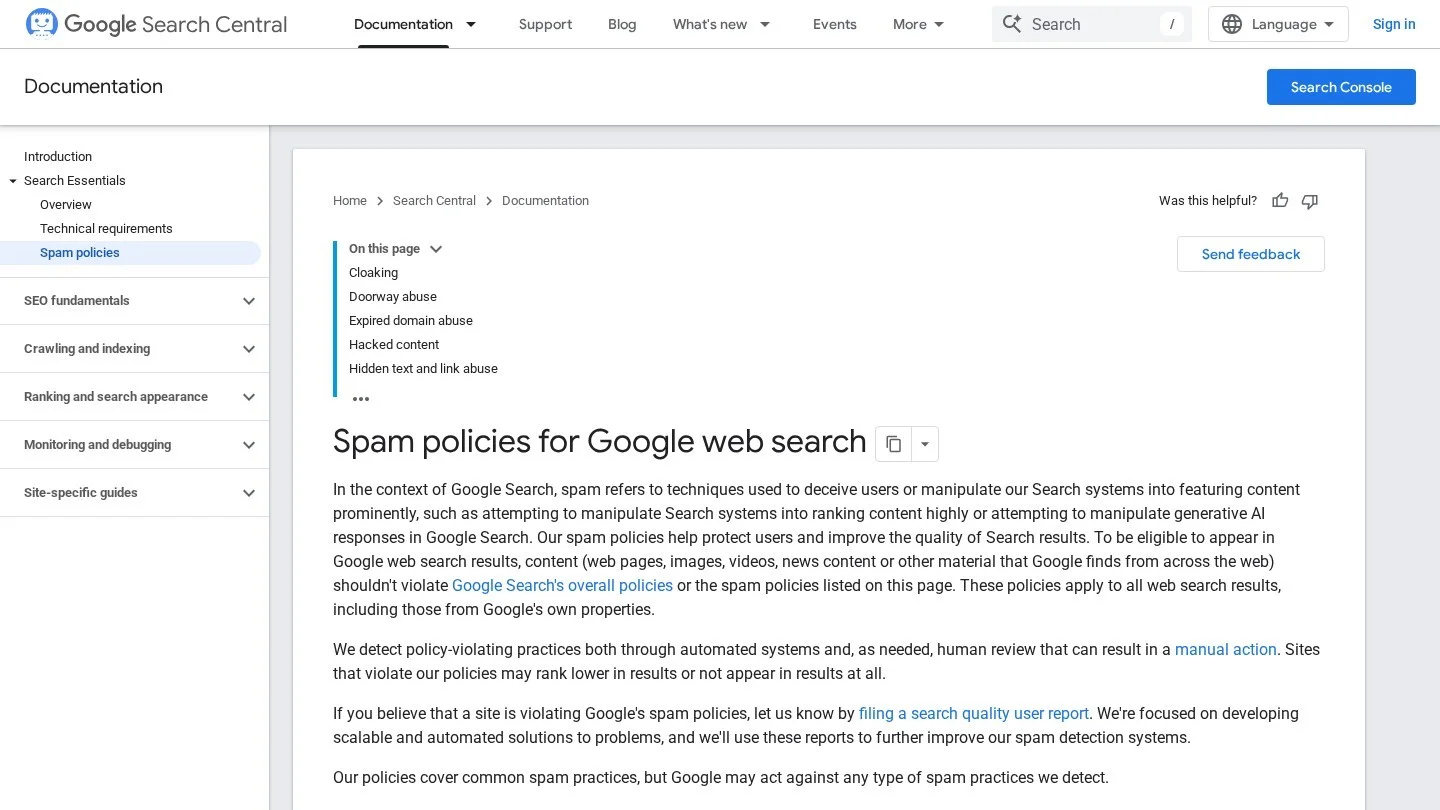
One of the doorway abuse examples in Google’s spam policies is a set of domains or pages aimed at specific regions or cities that funnel users to one page. A dental site with 30 “Dentist in [Suburb]” pages, identical except for the town name and all pointing to one booking page, fits that example.
Give each real office one full page that lists the nearby towns it serves, with driving directions and parking details. When a second office opens, it gets its own page.
Dental sites also run into two other policies. Scaled content abuse means producing many pages mainly to manipulate rankings, and hundreds of AI-written blog posts that no dentist has read would qualify. Buying or selling links for ranking is link spam, and that includes paid posts that carry links. Our list of dental guest posting sites explains where a contributed article crosses that line.
A One-Afternoon Self-Audit for a Practice Website
Set aside three hours and go through the list in order. You need nothing beyond free Google tools and your own phone.
- In Search Console, open the Pages report and confirm your treatment and office pages are indexed.
- Note every mobile URL marked Poor or Needs improvement in the Core Web Vitals report.
- Compare your top five treatment pages on a phone against the desktop versions, line by line, looking for missing paragraphs.
- Look for a byline and a dated dentist review on each treatment page.
- Starting from the homepage, reach every treatment page through normal text links only, without the search box or the booking widget.
- Run each office page through the Rich Results Test and compare the markup with the visible address and hours.
- Type the http and non-www versions of three URLs and confirm each lands on https in one step.
- Click the website link on your Business Profile and confirm it lands on the matching office page.
- Search for your practice name plus “dentist” and read your own results like a new patient would.
Log every failure in a sheet with the page URL and the fix, and give that sheet to your web team or agency as the brief. Our dentist SEO guide covers the work that comes after these fixes.
Questions Practice Owners Ask About Dental Ranking Factors
Does Google Use a Dentist’s Credentials as a Ranking Signal?
Not as a factor of its own. E-E-A-T is not a specific ranking factor, but Google’s systems use signals that line up with it and weight them more heavily on health topics. Raters judging trust do look for clear credentials on bio pages.
Will a Faster Site Outrank a More Relevant One?
No, because Google shows the most relevant content even when its page experience is poor. Speed comes into play when several pages are about equally helpful to the patient.
Why Add Structured Data If Rich Results Are Not Guaranteed?
Because a page without the required properties cannot qualify for rich results at all. The markup also tells Google plainly what the page is about, such as the practice type and its opening hours.
Can a Dentist Publish AI-Drafted Treatment Pages?
Yes, if the page exists to help patients and a dentist checks every clinical fact before it goes live. Automation used mainly to manipulate rankings breaks Google’s spam policies. Where a reader would reasonably ask how the page was made, add a disclosure.
How Many Internal Links Should a Treatment Page Have?
Google sets no ideal number. Link to the dentist who performs the treatment and the offices that offer it, and stop when the links stop being useful to a patient.
Do Ranking Factors Differ Between the Website and the Map Results?
Yes. Organic results lean on page signals such as content quality, mobile parity and internal links. Map results run on relevance, distance and prominence, and reviews and links feed prominence. The website still counts in the map, because the profile links to it.
Where a Small Practice Should Spend Its First Ten Hours
Six of the ten hours go to your three most valuable treatment pages and the emergency page, rewriting them around patient questions with a byline and a reviewing dentist on each. Spend two hours on mobile parity and on any content that only shows up after a tap.
The last two hours belong to the location page, its Dentist markup and the Business Profile link that should point to it. Leave Core Web Vitals work until the pages say what patients need to hear.