
Dental marketing automation is software that reads your practice management schedule and sends the right text or email to each patient on its own. The first workflows to automate are appointment confirmations, hygiene recall, review requests and missed-call text-back. Each one runs on data your system already holds, so none of them needs new content to work.
We researched the official pages of eight automation and practice management products, from Weave and NexHealth to Open Dental and Denticon. We also read the HHS and FCC pages that govern patient texts and emails. Then we compiled the workflows into one calendar that a single office can copy.
Request Dental SEO Quote
Remember These Automation Rules Before the First Message Goes Out
- HHS says appointment reminders count as part of treatment, so they need no HIPAA authorization.
- HHS also says a message about a health service your own practice provides is not marketing under HIPAA.
- The FCC says a patient who gives a phone number to a provider consents to healthcare calls closely related to why they gave it.
- The same FCC ruling says following HIPAA does not replace TCPA consent for calls and texts to cell phones.
- Open Dental, Curve Dental and Denticon each sell built-in patient messaging, so check your own system before you buy a second tool.
- A workflow is only as good as its sync, so test writeback to your schedule in every demo.
Connect Automation Software to Your Practice Management System
Every automated message depends on one thing. The tool must see your schedule, your recall due dates and your patient contact details. If the sync breaks, reminders go to the wrong people or stop going out at all.
So begin the project in your practice management software. Some systems now include their own messaging. Others rely on partners. We checked what each of the five most common systems offers.
Check Dentrix Links Through the Henry Schein One API Exchange
Henry Schein One makes Dentrix and also sells its own messaging product, Lighthouse 360. Lighthouse 360 sends reminders and confirmations by text, email and phone. It also automates recall reminders and post-visit review requests. Henry Schein One says it is available in the United States, Canada and the UK.

Third-party tools connect to Dentrix through the Henry Schein One API Exchange. Weave is one of them. Its Dentrix and Dentrix Ascend link covers save-the-date messages, reminders, schedule sync and automated review texts after appointments.
Ask About Eaglesoft Writebacks Before You Sign
For Eaglesoft offices, the word to ask about is writeback. A writeback sends updates from the automation tool into your practice software. For example, Weave announced Eaglesoft payment writebacks in July 2024. Those post payments and refunds to the ledger without manual entry.
So ask every vendor which fields write back to Eaglesoft. Confirmations, cancellations and new bookings matter most.
Turn On Open Dental’s Built-In eServices
Open Dental sells its own automation, called eServices. The list includes eReminders, eConfirmations and Web Sched Recall. Web Sched Recall texts or emails patients who are due for recall with a link to book online. Open Dental also offers automated thank-you messages after a patient schedules, plus a Mass Email option that sends audience lists to Mailchimp.

Open Dental says each location must be on support with an active registration key to sign up. So check your support status first.
Turn On Curve GRO Without a Second Data Sync
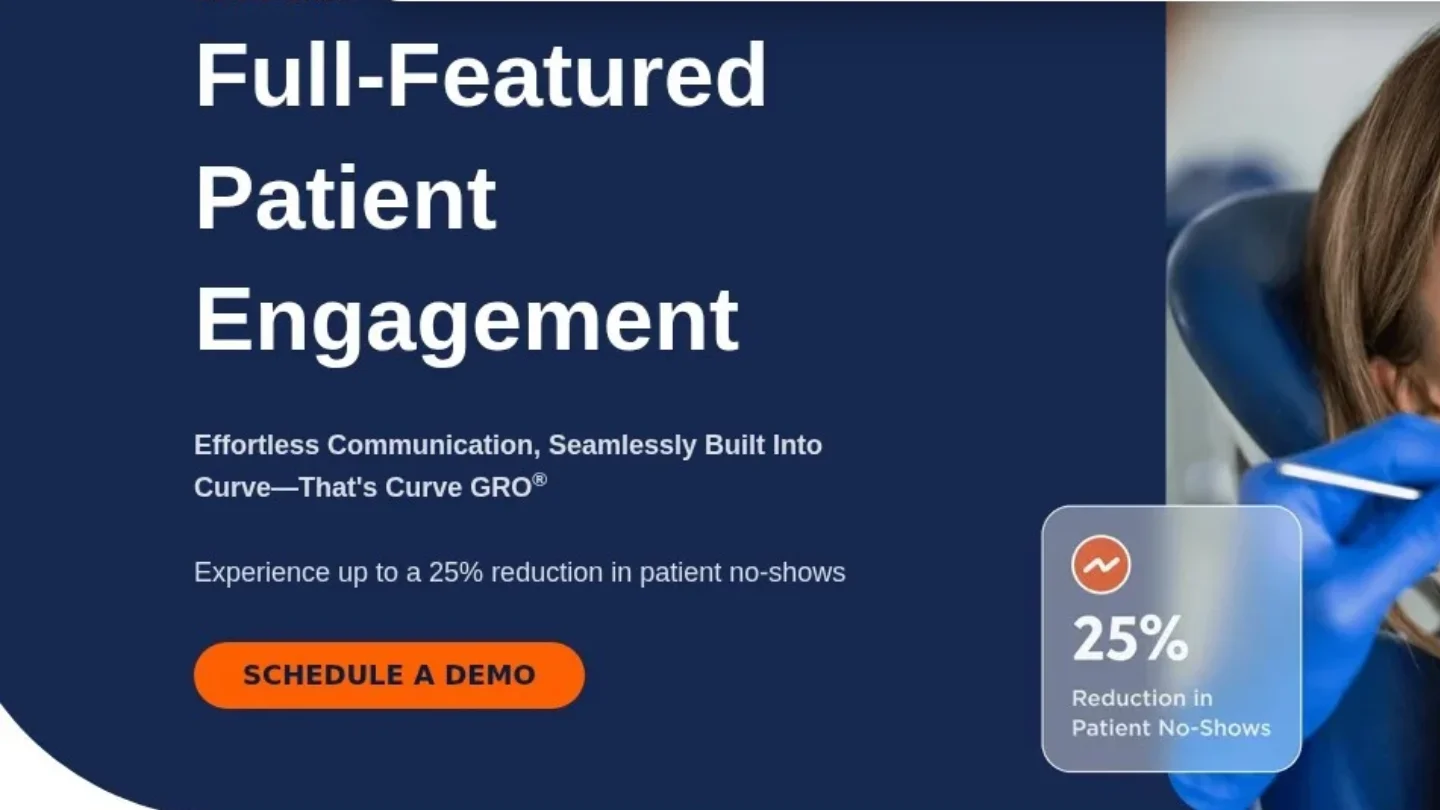
Curve Dental includes its patient engagement module, Curve GRO, in the platform. Curve’s FAQ says “Curve GRO is built into Curve,” so there is no separate data sync. It covers text and email reminders, recare reminders, two-way texting, online review requests and self-scheduling. Curve says practices can cut no-shows and cancellations by up to 25%.
Compare Denticon’s Own Tools With a Partner Like Solutionreach
Planet DDS sells Denticon Patient Communication for Denticon users. It covers reminder and confirmation texts and emails, automated new patient welcome messages and save-the-date notices. It also covers two-way texting inside Denticon and campaigns for birthdays, holidays and thank-you notes.

Solutionreach also integrates directly with Denticon. It writes back confirmations, cancellations, intake and scheduling. Its recall messages go by text, email or voice, timed by appointment type or procedure. So a Denticon group can compare the built-in tool with a partner on the same feature list.
Our comparison of dental CRM tools lists which systems each major vendor names. Bring your exact software version to every demo.
Confirm Tomorrow’s Patients Without a Single Phone Call
Confirmations are the workflow most offices automate first. They replace hours of calls with one text per patient.
NexHealth lets offices schedule reminders one week, one day or one hour before a visit. Patients confirm with a single click. Then NexHealth updates the appointment status to “confirmed” in the practice software. Weave says confirmation by text can save up to 20 hours per week.

We use a three-touch sequence for most offices:
- Send a save-the-date text right after the visit is booked.
- Send a confirmation request three days before the visit.
- Send a short reminder on the morning of the visit, only to patients who have not confirmed.
Keep the text short. Name the practice, the day and the time. Leave out the treatment. A message like “Maple Street Dental: see you Tue 9:30am. Reply C to confirm” says enough.
Missed visits cost real chair time. Our page on dental no-show rate statistics covers how often patients skip.

Bring Overdue Hygiene Patients Back Into the Chair
Recall, also called recare, brings patients back for their next cleaning and exam. It is the workflow that fills the hygiene schedule. And it runs entirely on due dates your system already tracks.
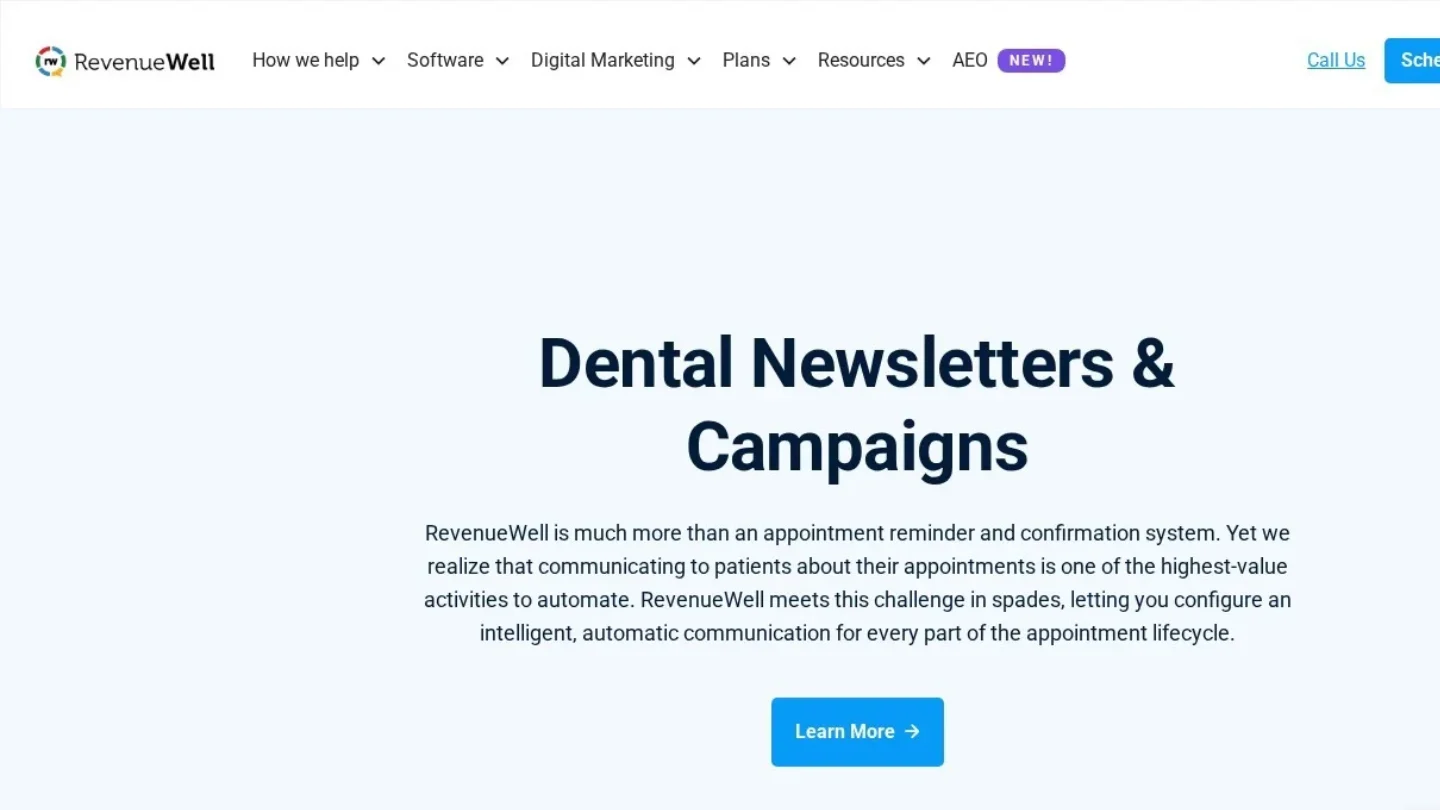
NexHealth triggers recall messages from the due date in the health record. Offices can add as many follow-up messages as they want. Each message can carry open time slots, so patients book in one click. RevenueWell offers over 100 prebuilt campaigns, and any campaign can target a subset of patients. Its own example is end-of-year insurance letters sent only to patients with coverage.
Spread Four Recall Touches Across Six Weeks
We set recall in four steps. First, send a text 30 days before the due date. Next, send an email on the due date with a booking link. Then send a text two weeks after. Finally, hand the list to the front desk for a call at six weeks.
Hand-off matters here. Automation reaches most patients. But a short call from a hygienist the patient knows still books the ones that texts miss.
Win Back Patients Who Lapsed a Year or More
Reactivation targets patients who have no future visit and no recent visit. Pull a list of patients last seen 12 to 24 months ago. Then send a separate sequence with a different tone.
Admit the gap without blame. “It has been a while since we saw you” works. Offer the next open slots, and say if you take their insurance now. In Open Dental, Web Sched Recall sends the booking link to patients who are due. NexHealth recall messages can carry open slots too.
Text Back Every Missed Call Within a Minute
A missed call from a new patient often turns into a call to the next practice. Missed-call text-back sends an automatic text when nobody answers.
Weave calls this feature Missed Call Text. Offices set automatic text replies for calls they miss. Weave also offers Call Pop, which shows patient details on screen as the call comes in.
Write the text-back for a stranger. For example: “Sorry we missed you at Maple Street Dental. Reply here to book or ask a question, or call back at 555-0100.” Do not ask what the call was about in detail. The patient will tell you.
Answer Two-Way Texts From the Office Number
Two-way texting lets patients reply to any automated message. So one inbox now holds confirmations, questions and new bookings. Solutionreach says its texts go out from the office number. Curve GRO and Denticon both let patients start text threads with the team.
Assign one person to the inbox in each shift. Set a reply target, such as 15 minutes during open hours. And write an after-hours auto-reply that gives the emergency number.
Trigger Review Requests the Moment Checkout Ends
Review requests work best soon after the visit, while the patient still remembers it. So tie the request to the “appointment complete” status in your software.
Weave’s Dentrix link lets practices customize and schedule automated review texts after appointments. Lighthouse 360 and Curve GRO also send review requests after visits. Open Dental’s General Messages feature sends an automated message after an appointment is set complete.
Send one request and one reminder at most. Then stop. Our guide on how to get more five-star dental reviews covers the wording and Google’s rules on asking.
Keep Newly Booked Patients From Cancelling
New patients book days or weeks ahead. In that gap, some forget, some get nervous and some cancel. An automated welcome series keeps them on the schedule.
Denticon sends automated new patient welcome messages. Open Dental’s Web Sched New Patient lets new patients book their first visit online. Its thank-you message then goes out right after scheduling.
We use a four-message series for a new patient booked a week out:
- Day 0: a welcome text with the address, parking notes and a link to online forms.
- Day 2: an email that introduces the dentist with a photo and a short bio.
- Day 5: a text with the forms link again, only if the forms are still blank.
- Day 6: the standard confirmation request.
For website leads who have not booked yet, a nurture series of useful emails works better. Our dental content marketing funnel guide shows how to plan that series by treatment.
Send Birthday and Membership Plan Emails Patients Open
Birthday messages are the easiest recurring touch to set and forget. Denticon lists birthday, holiday and thank-you campaigns as personalized communications. RevenueWell sends two monthly newsletters to customers’ patients, one for pediatric patients and one for adults.
Keep birthday messages light. A greeting and a reminder of their next visit is enough. Leave out offers on teeth whitening unless the patient has shown interest.
Remind Membership Plan Patients Before Renewal
In-office membership plans renew on a set date. So set two automated emails. Send the first 30 days before renewal with a list of what the plan covered this year. Send the second seven days before, with the renewal amount and how to cancel.
Also, run an end-of-year insurance reminder in October and November. Target only patients with coverage and unused treatment. RevenueWell gives this as its own example of targeting.
Keep Every Workflow Inside HIPAA and TCPA Rules
Automation sends thousands of messages a year. So one wrong template repeats the mistake thousands of times. Check four rules before you switch anything on.
Know Which Messages HIPAA Treats as Treatment
HHS says appointment reminders are part of treatment. So they can go out without a patient authorization. HHS also says a communication is not marketing when it describes a health-related product or service your own practice provides. Recall messages and notices about a new service at your office describe your own care.
However, HHS says other marketing communications generally need the patient’s authorization. If a third party pays for the message, the authorization must say so.
Limit What Each Email and Text Reveals
HHS allows providers to use email with patients when they apply reasonable safeguards. It gives two examples. Check the email address for accuracy, and send an alert so the patient can confirm the address first. HHS also suggests limiting the amount or type of information in unencrypted email.
So keep procedure names out of reminder texts. “Your visit on Tuesday” is safer than “your root canal on Tuesday.” And if a patient asks for a more private channel, offer one.
Get TCPA Consent Before Automated Texts
The FCC says giving a phone number to a healthcare provider counts as prior express consent for healthcare calls subject to HIPAA. The calls must be closely related to the reason the number was given. The same FCC ruling says HIPAA compliance does not replace TCPA consent for calls to cell phones.
So add a consent line to your new patient form. Say the practice will text appointment, recall and care messages to the number provided. Keep promotional texts on a separate, written opt-in.
Honor Every Stop Request
The FCC’s consent revocation rule lists reply words that count as a clear opt-out. They are stop, quit, end, revoke, opt out, cancel and unsubscribe. Set your platform to treat all seven as an opt-out. Then test it from a staff phone before launch.
Ask each vendor for a business associate agreement before any patient data syncs. Get the answer in writing.
Copy Our 12-Month Dental Automation Calendar
We built this calendar for a single office on any of the five systems above. The timings are our own starting points. Adjust them after three months of data.
| Workflow | Trigger in your software | Channel | Timing | Goal to track |
|---|---|---|---|---|
| Save the date | Visit booked | Text | Right after booking | Fewer forgotten visits |
| Confirmation | Visit in 3 days, unconfirmed | Text with reply | 3 days before | Confirmation rate |
| Morning reminder | Visit today, unconfirmed | Text | 2 hours before | Same-day no-shows |
| Recall | Recall due date | Text, then email | 30 days before, on the date, 14 days after | Recall visits booked |
| Reactivation | Last visit 12 to 24 months ago, nothing booked | Email, then text | Once a quarter | Patients reactivated |
| Missed-call text-back | Unanswered call | Text | Within 1 minute | Missed calls booked |
| Review request | Appointment set complete | Text | Within 2 hours | New Google reviews |
| New patient welcome | First visit booked | Text and email | Day 0 to day 6 | Forms done before arrival |
| Birthday note | Patient birthday | On the day | Opens and replies | |
| Membership renewal | Plan renewal date | 30 and 7 days before | Renewals kept | |
| Insurance year-end | Coverage on file, open treatment | Email, then text | October and November | Treatment scheduled |
Review the calendar each quarter. Pause any workflow whose goal number has not moved in 90 days, and rewrite its message.

Watch Five Automation Numbers Every Month
Your practice software and your automation tool hold all the data you need. Five numbers show whether the automation is working.
- Confirmation rate: confirmed visits divided by all scheduled visits.
- No-show rate: missed visits divided by all scheduled visits.
- Recall booking rate: patients due this month who booked a visit.
- Missed-call recovery: missed calls that turned into a booked visit.
- Reviews per 100 completed visits.
Write the five numbers in one sheet on the first of each month. Compare them with the three months before you turned automation on. To turn new patient numbers into a return figure, use our steps to calculate dental SEO ROI.
Answer Front-Desk Questions About Automated Messages
How Many Texts Should a Patient Get Around One Visit?
In our calendar, three at most: a save-the-date, a confirmation request and a morning reminder for patients who have not confirmed. Cut any message that draws more “stop” replies than the others.
Do Patients Need to Opt In to Appointment Reminder Texts?
The FCC treats a phone number given to a provider as consent for closely related healthcare calls. Still, a clear consent line on your intake form removes doubt. Promotional texts need their own opt-in.
Will Automated Texts Mean Fewer Front-Desk Staff?
Not in the setups we compiled. Automation takes the repeat work off the desk. Staff still answer two-way texts, call the patients who ignore recall messages and handle insurance questions.
What Should a Brand-New Office Automate Before Anything Else?
Confirmations and missed-call text-back. Both protect visits you have already earned. Recall comes once you have a year of patients due back.
Is Built-In Messaging in Our Practice Software Enough?
For a single office, often yes. Open Dental, Curve Dental and Denticon each sell built-in tools. Offices that want phones and texts on one screen can look at Weave, which pairs its phone system with automated texts. If you want outside help with campaigns, our directory lists dental marketing agencies across the USA.
Launch Confirmations and Missed-Call Texts by Friday
Pick confirmations and missed-call text-back. Write both messages today, under 160 characters each. Then send a test to two staff phones and reply “C” and “stop” to check that both work.
Next week, read the confirmation report. If the rate rose, add recall. If not, fix the wording before you add anything else.